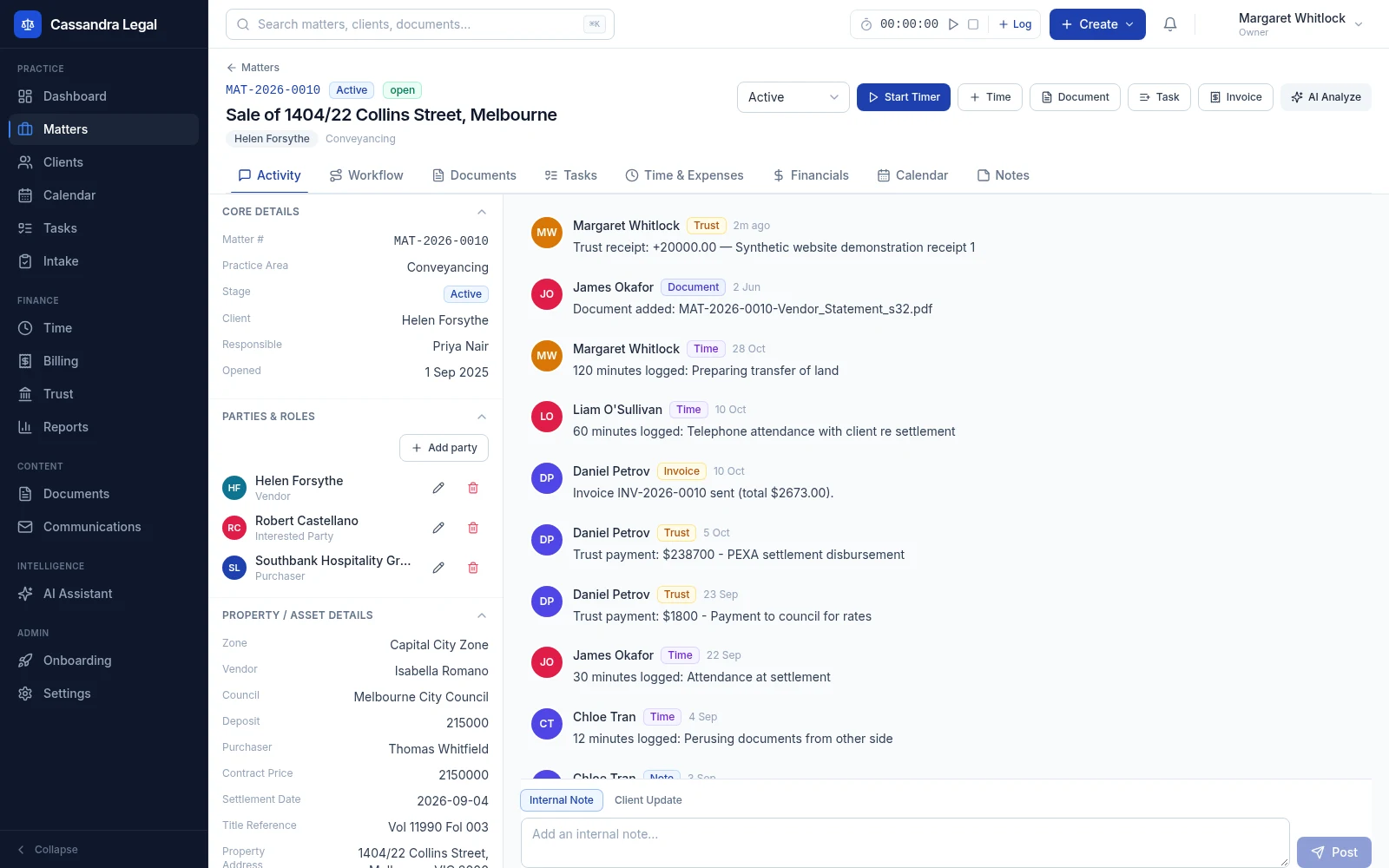
Matter management
A matter is more than a title and a list of documents. Keep the people, work, deadlines and financial position together so the next person opening the file can understand what needs to happen.
Explore matter managementExplore the workspace
Cassandra Legal connects matter management, billing and trust records with the documents, tasks and client conversations behind them. Explore each workflow, see the actual app and check the details your Australian practice needs before moving live work.
Each guide explains what the software does, how the steps connect and what your team should verify. The screenshots use fictional demonstration records.
A matter is more than a title and a list of documents. Keep the people, work, deadlines and financial position together so the next person opening the file can understand what needs to happen.
Explore matter management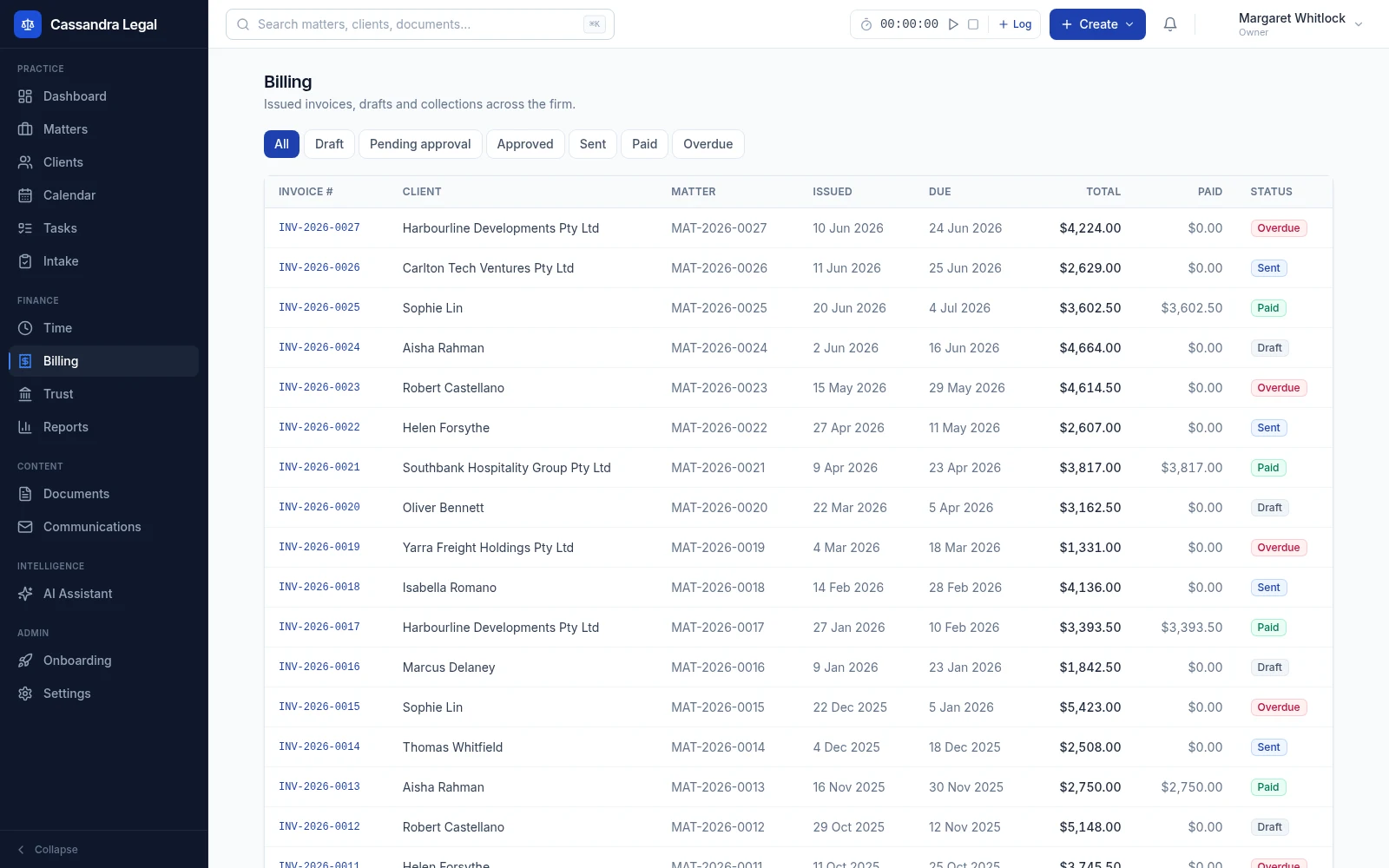
Record work against the matter, review what is ready to bill and follow the invoice through approval, delivery and payment. Keep the billing record close to the work that produced it.
Explore legal billing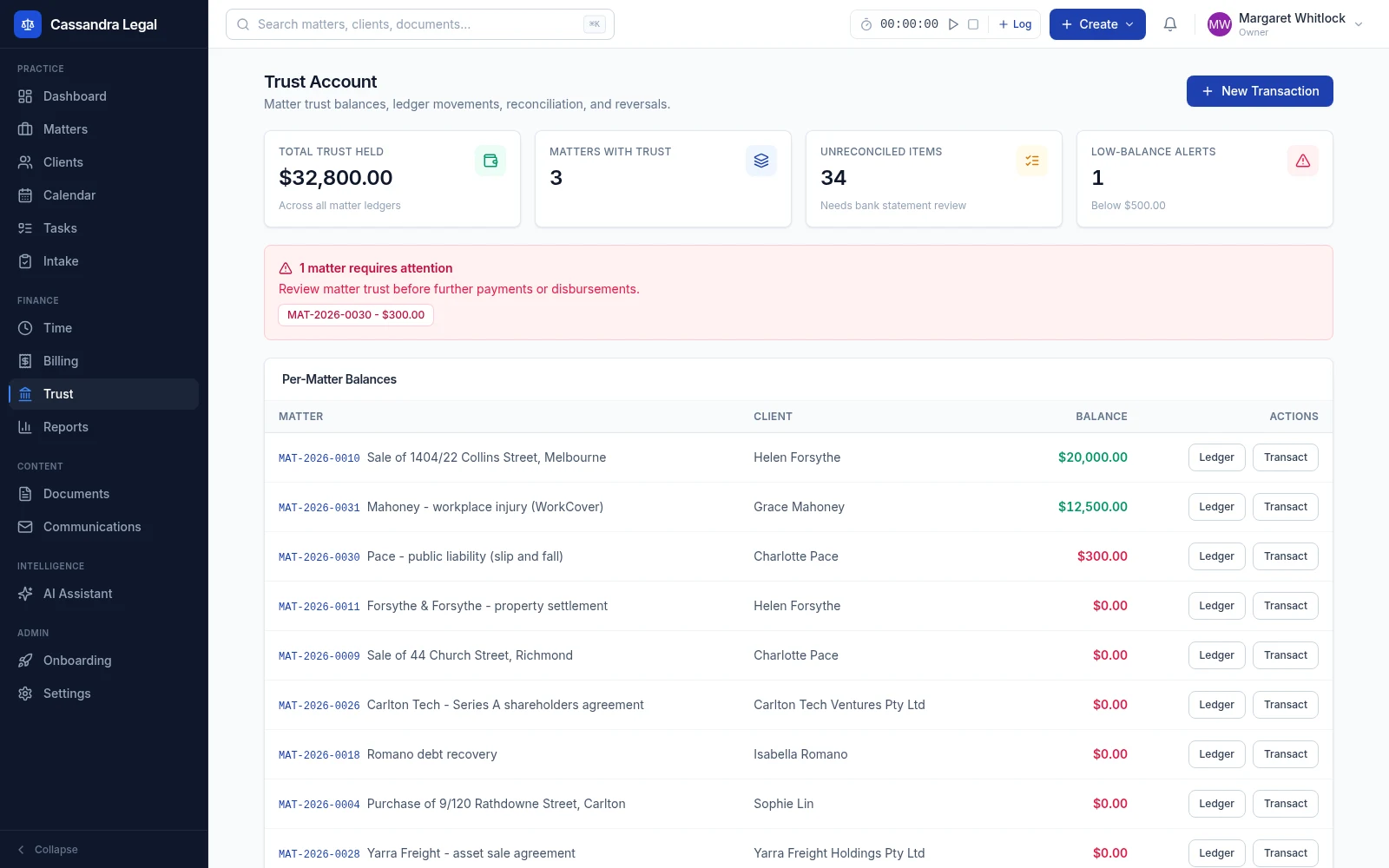
Follow the trust position by matter, record ledger movements and review differences against statement information. Keep transaction history and reconciliation work accessible to the people responsible for the account.
Explore trust accountingA busy matter can involve work completed, funds held and invoices still outstanding at the same time. Keeping those figures distinct helps the team investigate the right record.
| Workspace | The question | Records to review |
|---|---|---|
| Matter management | Who is involved and what happens next? | Parties, tasks, dates, documents and activity |
| Legal billing | What is ready to bill or still to collect? | Time, expenses, WIP, invoices and payments |
| Trust accounting | Which ledger entries explain the funds position? | Matter balances, transactions and statement review |
Generate documents using matter data and configured templates. Track revisions and review status before sending documents for signature.
Share portal packets with documents and invoice information, and retain client messages and acknowledgements with the related work.
Assign work, track task status and record meetings, deadlines and critical dates. Review generated workflow dates for the actual matter.
Review WIP, receivables, productivity, practice-area performance, matter health and trust position to identify records that need attention.
Create a workspace and choose a blank start or fictional sample records. Walk through a matter with the people who will use it: check the party details, add a task, review a document, record time and inspect the billing and trust views.
For a migration, confirm source exports and required record types, then review the import reconciliation report. Connected email, payment, AI and signature services require appropriate configuration and may have separate provider terms and charges.
Review generated documents, workflow dates, GST treatment and trust reports for the actual matter and jurisdiction. AI assistance is optional and its output needs independent verification. Software supports the practice's work; your firm retains responsibility for professional decisions and compliance.